Download Mac AoxVPN

  • Download the Most Recommended AoxVPN | Windows, macOS, iOS, Android - AoxVPN, VPN for Android, VPN software download, Windows VPN, Best VPN, VPN Rankings, Mac VPN, Mac VPN, Free VPNDownload, Mac VPN One-tap easy setup
  • Download the Most Recommended AoxVPN | Windows, macOS, iOS, Android - AoxVPN, VPN for Android, VPN software download, Windows VPN, Best VPN, VPN Rankings, Mac VPN, Mac VPN, Free VPNDownload, Mac VPN World-leading privacy protection
  • Download the Most Recommended AoxVPN | Windows, macOS, iOS, Android - AoxVPN, VPN for Android, VPN software download, Windows VPN, Best VPN, VPN Rankings, Mac VPN, Mac VPN, Free VPNDownload, Mac VPN Secure and stable global connections
  • Download the Most Recommended AoxVPN | Windows, macOS, iOS, Android - AoxVPN, VPN for Android, VPN software download, Windows VPN, Best VPN, VPN Rankings, Mac VPN, Mac VPN, Free VPNDownload, Mac VPN Zero logs, no activity tracking

Slow or failed download? Try alternative download

Download AoxVPN for all your devices.

How to install AoxVPN on my Mac?

Version 2.2.3 now supports Telegram and WhatsApp. Enable advanced mode to use this feature. Please refer to the help documentation.
AoxVPN
  • 1
  • Download

    Select your CPU type (M-series or Intel) to start the download, then open the .dmg to install.

  • 2
  • Log In

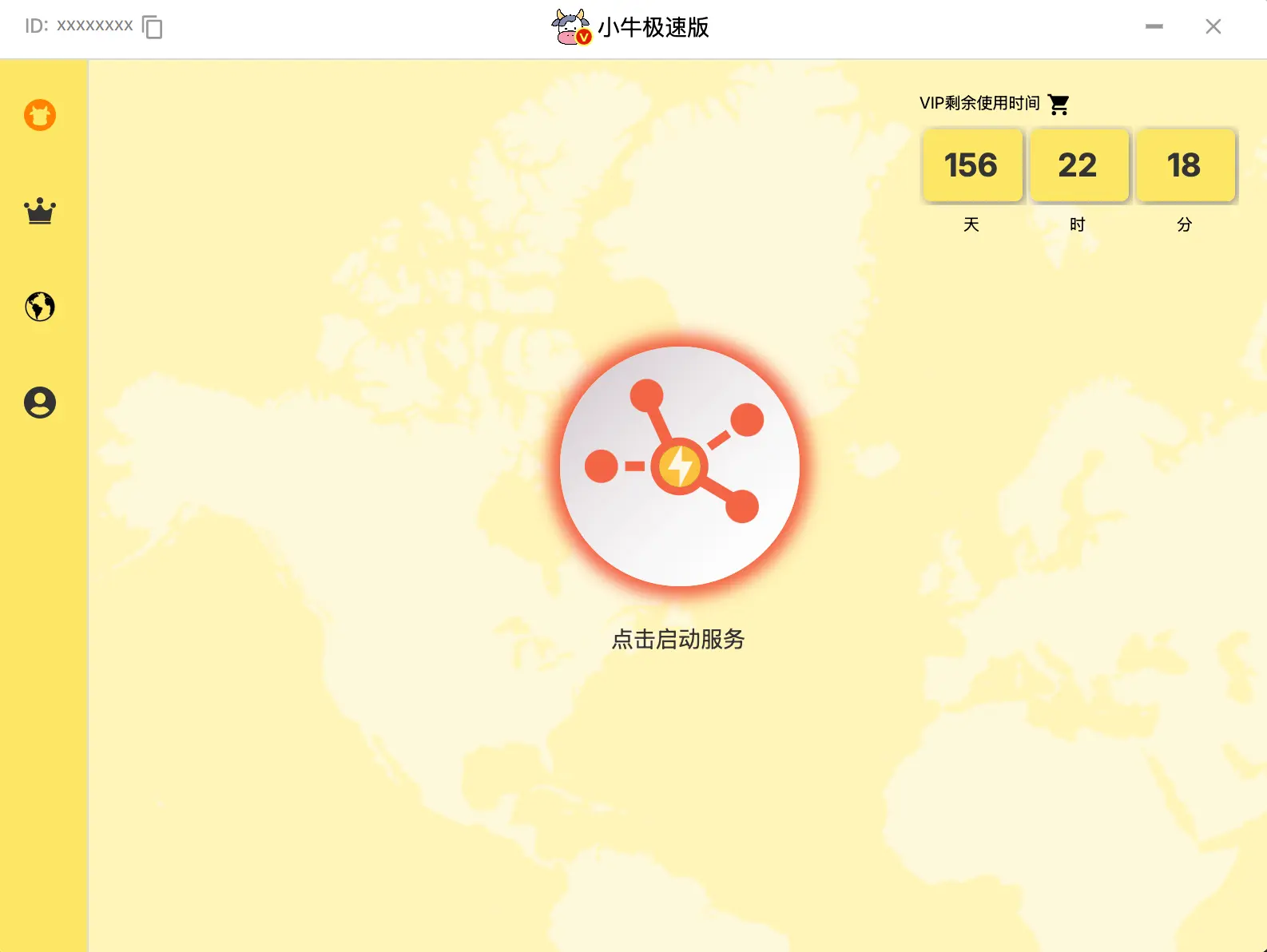
    Drag AoxLite into the Applications folder, launch and log in with your VIP account. If you are not yet a VIP, please visit our website to purchase a plan.

  • 3
  • Connect

    Select the server you want to connect to.


FAQ

  • 1
  • 2
  • 3

Do You Have Questions?

Here are answers to some frequently asked questions from our valued customers.

If you need further assistance, please contact our professional support team, who will be happy to help.

Alternatively, you can ask our Aox Chatbot, or click the button below to visit our FAQ page.

Will using a VPN slow down my connection?
Using a VPN may slow down your internet speed because it introduces an extra step to your connection. This is because your traffic is rerouted through a VPN server and encrypted to protect your online privacy. However, with AoxVPN, the speed impact is usually minimal.
Is AoxVPN compatible with all macOS devices?
Currently, AoxVPN is specifically available for MacBook devices with M-series chips. However, we are working hard to develop AoxVPN versions for other macOS systems. We understand the importance of expanding compatibility and are committed to making AoxVPN available to more devices in the future. Thank you for your patience as we work to bring AoxVPN to various macOS platforms.
How to use AoxVPN on macOS?
For non-China Apple IDs, download AoxVPN from the App Store. For China Apple IDs, create a new Apple ID or switch to a Hong Kong Apple ID. After logging in, click auto-connect to connect to the best server for you.
AoxVPN macOS Application Support Other Languages?
In addition to English, the AoxVPN macOS Application also supports Traditional Chinese and Simplified Chinese。
What are the payment terms?
Multiple payment methods are available. Please note that no refunds will be provided once payment is completed.